



Share





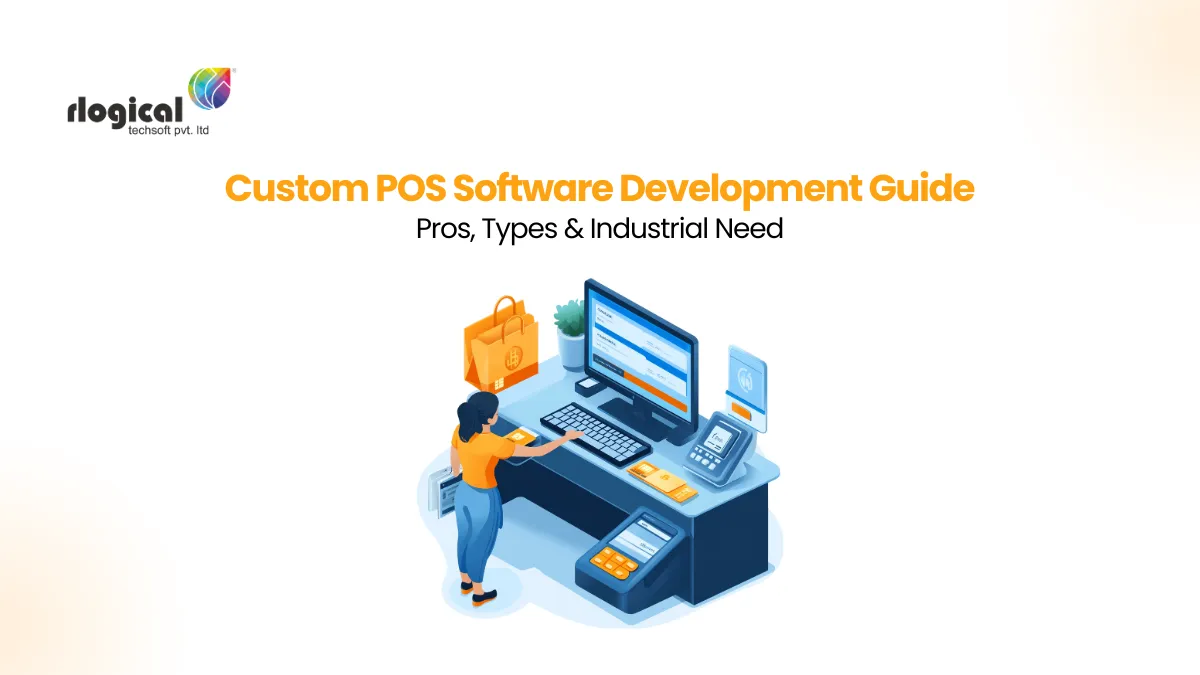
Blog Overview: Having the best POS software for small businesses becomes a major concern. It is connected with both merchants’ and customers’ benefits, so you can’t take any risk. Developing a POS system for your firm is the top choice, though. However, you can also utilize the pre-built software. Whichever you pick, having the clarity of its scope is critical. Dig into the insights covering everything about POS software development, cost, & benefits!
The POS Software market size was around USD 20166.25 million in 2024. It is estimated to increase at a CAGR of 10.5% during 2025 to 2033. By 2033, the POS market will reach USD 27208.97 million, so its roots are strong and ever-expanding in different sectors. For small businesses, your Point-of-sale (POS) software has been the most prominent element.
POS systems are that aspect of the business you can’t neglect. It has to be planned with proper analysis and evaluation of its requirements. This article will give you a complete overview of POS software development and integration, along with the depth of benefits.
The Point-of-Sale (POS) is the spot where the merchant manages payments and logs transactions. It is processed in the computerized software equipped with appropriate inventory and billing details. So, such software is termed the POS software.
Moreover, the whole setup, including the hardware and software, is known as a POS system. It has a combination of hardware, including a barcode reader, cash drawer, and card reader, and is a software-integrated device. Now, many of you are recalling the POS terminals. So, it’s the physical device that completes the payments of customers’ purchases. However, the POS terminals can be standalone or other POS terminals.
The primary purpose of the POS solution is its automated efficiency in managing transactions on a real-time basis. Also, POS keeps track of customers’ payment details, handles inventory, and manages sales reports. For any retail store or online e-commerce store, having a POS software is mandatory.
Whether you are a small business or a large-scale enterprise, POS can make the process easier for you. Certain business categories need advanced or custom POS software, you will explore them below.
Retail POS software is the most popular business type that efficiently uses the POS solutions. It is set up in the retail stores at the bill counter. POS system manages the inventory tracking, customer data, transaction details, and other order-related information in a centralized software. Hence, retailers can make high-end operations for their retail business.
The hospitality businesses include hotels, resorts, and other food businesses. They can split checks, combine online and third-party delivery services, and manage other inventories. Thus, having a Restaurant POS software compatible with your business can easily handle invoicing with proper bookkeeping.
By installing the custom POS systems for salons, spas, and other services. You can manage appointment calendars, reminders, and handle individuals’ memberships. Therefore, your salons and spa get streamlined invoice management.
The Point-of-sale software for the banking and fintech sector ensures your transactions are encrypted throughout. You will avail of a simplified and secure payment or fund transfer process with the effective POS software. Well, the tokenization of the cards and contactless features keep your payment solution easier than you expect.
The healthcare and medical industry utilizes POS software that can handle billing and claim management. Your health firm can simplify the medical bill and patient payments. Moreover, such POS software automates the process and improves proficiency.
Having an advanced edge POS will uplift the business workflow smoothly. It prevents the major concerns of security and privacy of sensitive data. However, there is ongoing confusion about the difference between a POS terminal, system, and software.
| POS Software | POS Terminal | POS System |
|---|---|---|
| The software, which is built to manage the billing, inventory, and sales | The system or setup of hardware devices integrated with POS software. | All the hardware or physical devices, including barcode scanner, printing receipts, monitor, or mobile, etc. |
| Manages and keeps track of all inventory and sales aspects | Process the invoice and payment factors of customers | Used to complete the checkout process smoothly without any manual efforts |
| Centralized software integrated with various tools | The terminal elements differ by business size and scope | End-to-end POS solution with programmed software and system components |
For businesses implementing POS systems, the productivity and efficiency of businesses, especially of small ones, is enhanced. Small firms need a feature-rich solution to make it an add-on the help hand. You can explore the opportunities of POS software for small businesses.
A point-of-sale (POS) system or software comes into the picture for businesses to structure their payment processing and billing matters. It considers the set of hardware along with the POS software installed on it. Some primary reasons compel small businesses to set up POS software. Let’s have a look at them;

Now, the hardware components vary based on the business needs. However, these physical components range from the monitor to the barcode reader. Have a look at them below;
It enables other functions like employee clock-in, viewing sales reports, and displaying the product database. Thus, tablets, iPads, are frequently used to replace larger monitors for a more convenient procedure.
The credit card reader enables the process of electronic payments. Having EMV-compliant and secure credit card readers is essential. So, your POS software development should be aligned with the encrypted patches. It saves both retailers and customers from any fraudulent activities.
The use of a barcode scanner simplifies the checkout procedure. Filtering standardized price tags pulls item data and adds it to the checkout process. Thus, the inventory management is easily done with product details integrated and scanned using barcode scanners. It automatically adjusts to the stocks.
Cash still reigns supreme, despite the online payment modes. The cash drawers are an integral part of the POS terminals to keep cash for transactions. Also, the cash payments make the process easier for all kinds of customers, so keeping it handy is a must.
Even though receipts sent via text message and email are gaining popularity. The paper-based receipts are still necessary for providing customers as purchase with a quick snapshot of their purchases or returns.
Moreover, the types of POS systems for small businesses differ from their business needs and counterparts. You can easily decide on the right one with the details below.
Different retail point-of-sale (POS) systems work well for different businesses. To determine which type is best for your small business, it is recommended that you become familiar with all of them. The primary types of POS systems you can use are as follows;
The mobile and tablet POS are examples of mPOS software. It manages the online transactions, printing receipts, and other invoicing-related tasks. So, Mobile POS mainly works as a card reader mobile POS system to manage an effortless process.
With cloud-based POS application development, you can get real-time assistance. It enables quick transactions and the management of sales reports. Furthermore, it is accessible on mobile devices and has an easy-to-use, cloud platform that automatically.
Self-service kiosks let customers order and pay for food, make appointments, buy tickets to movies or concerts, etc. Moreover, companies like Walmart and McDonald’s use such kiosk POS terminals for their food and beverage stores.
Desktop POS is the most commonly used POS software type. Merchants use a desktop or computer-based POS software application for managing their billing operations. Moreover, the POS system is equipped with top-notch features, including automated billing and invoice management.
The POS platforms are extremely advantageous for regular aspects of managing complex processes. To keep it simple, here is the list of benefits of POS software.
Through process automation, POS systems can assist you in increasing the productivity of your business. Having easy access to product information speeds up the checkout process. So, customer satisfaction increases, and accordingly, the sales increase. Additionally, automatic stock reordering can help you save time and money.
Your employees are crucial to your company’s success. Therefore, POS systems are enabled to have records of employees’ details. One can add employees and give them tiers of permissions with this feature. Furthermore, you can see which of your superstar employees probably requires additional training.
These are common features of most POS systems. You have the ammunition to make smart business decisions from the data. Hence, the sales, customer, and inventory reports are available from the point-of-sale system of your choice.
The security factors of the POS software improve the overall transactions and data protection. You can have top-notch encryption that keeps the process seamless and free from any malware. So, you can easily gain the trust of your customers and offer them robust services.
With leading multiple payment devices, you can accept various payment options. Be it cash, bills, checks, credit and debit cards, Apple Pay, Google Pay, etc. Alongside that, you can even explore the buy now-pay later options using the BNPL apps like Klarna.
One of a POS system’s most important features is inventory management. You can track every product through inventory management, sometimes even the individual products by serial number. Hence, you can track inventory levels across multiple locations and automatically place orders. So, if your best sellers fall below a predetermined target, you can make changes immediately.
It is extremely beneficial to have access to POS systems for the customer support team. The CRM tools are integrated within the POS to store customer information like email address, phone number, and purchase history.
You can create a loyalty program with some POS systems and reward your most devoted customers. By integrating your POS customer relationship management tool with the caller phone system, you can get more out of it. Also, when customers have questions or concerns, this gives staff direct access to customer data.
The POS system cost is the main thing for businesses. You have to plan your fund allocation to get a custom POS software and system. Although it is a one-time investment, the upgrades and maintenance are totally worth it for longer growth.
When it comes to the POS software service provider, you need a company with work experience in it. Although you can also get the ready-to-use software for your business by paying the subscription fees or monthly charges. But the effectiveness and exclusivity of your own POS solution are what differ. So, your POS software will fall under the range of $10000-$25000.
For getting software developers on an hourly basis, it will cost you $15-$20 per hour. On top of it, you can even excel the business workflow by redefining your POS with the given tech solutions. This might increase your POS development project budget, but it will deliver an advanced edge.
Having a close eye on POS industry trends is highly appreciated for enhancing the software features. From competitive benefits to reliability, your business will gain from the technological trends and customer trust.
Artificial intelligence (AI) has been playing a significant role in software development for a long time now. It predicts data and protects against any fraud or other suspicious behavior on a real-time basis. You can likewise make necessary modifications and enhance the performance of your POS software.
Restaurants, retailers, spas, and other businesses implementing POS systems must thoroughly collect and comprehend their data. Just like most industries, data-driven decisions make the necessary implementation in less turnaround time. When you invest in analytical or business intelligence (BI) tools, you can measure the right KPIs to make better business decisions.
A company’s ability to personalize a customer’s buying experience increases as it gains more information about that customer. Integrating offline, online, mobile, and social media sales with a standard view of customer relationships is highly beneficial. Moreover, it offers long-term benefits with all-inclusive channel details at centralized platforms. So, you can deliver a seamless omnichannel experience to customers.
The enterprises and firms are different from each other in terms of goals and processes. A POS terminal can be managed to amplify the sales and revenue collection process. So, you have to install the power-packed solution for your business.
Taking it lightly with integrating any POS software might cost your business adversely. Investing in a custom POS system with the versatility of components and technologies can make it efficient. Get a POS software demo for your business!
Having mere payment gateways will manage the payment-related tasks. While a custom POS software is versatile and offers advanced functionality, including a variety of payment gateways.
Some of the best POS software for small businesses and large firms are as follows;
The essential features of POS software are as follows;
Rahul Panchal is the Founder & Managing Director at Rlogical Techsoft Pvt. Ltd. He is a pioneer tech enthusiast who has assisted diverse enterprise solutions with a fresh perspective over the years. From integrating technologies like Full-Stack, .NET, Flutter & PHP, he has harnessed custom web or hybrid mobile app development projects. His creative outlook on the latest models of AI, ML, blockchain, and IoT, has made various businesses attain leading-edge success.